
Bio page themes, fonts and background controls
TTushar Kumar Shaha16 Sep 2026
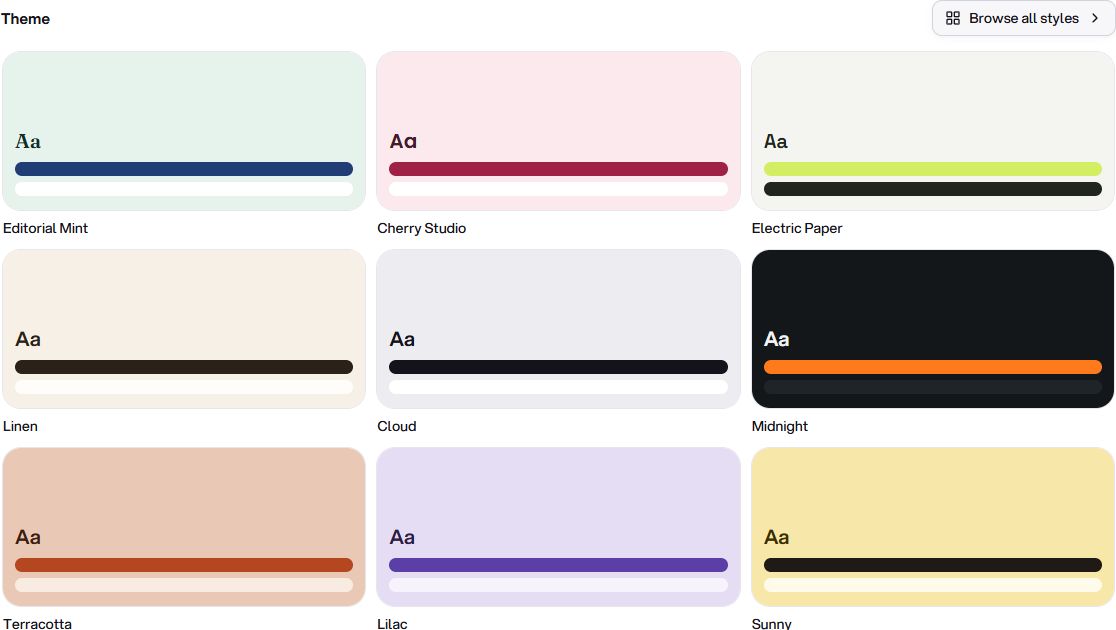
The Design tab brings the visual side of your bio page into one place. Start with a ready-made theme, then adjust the details until the page feels like yours.
A starting point, not a fixed layout
Theme presets give you coordinated colours and styles without making you choose every setting first. You can keep the starting look or change individual settings to suit your content and brand.
•
Typography and colour. Choose the page font and tune text, surface and button colours.
•
Backgrounds. Work with the supported background styles, including an uploaded image when you want one.
•
Buttons and surfaces. Adjust shapes and supported surface effects instead of being limited to one standard link style.
See the result as you edit
The page preview reflects your choices while you work. Check both narrow and wide layouts before publishing, especially when combining a background image with text or a glass-style surface.
Get updates like this by email
One email when something ships. Nothing in between.