
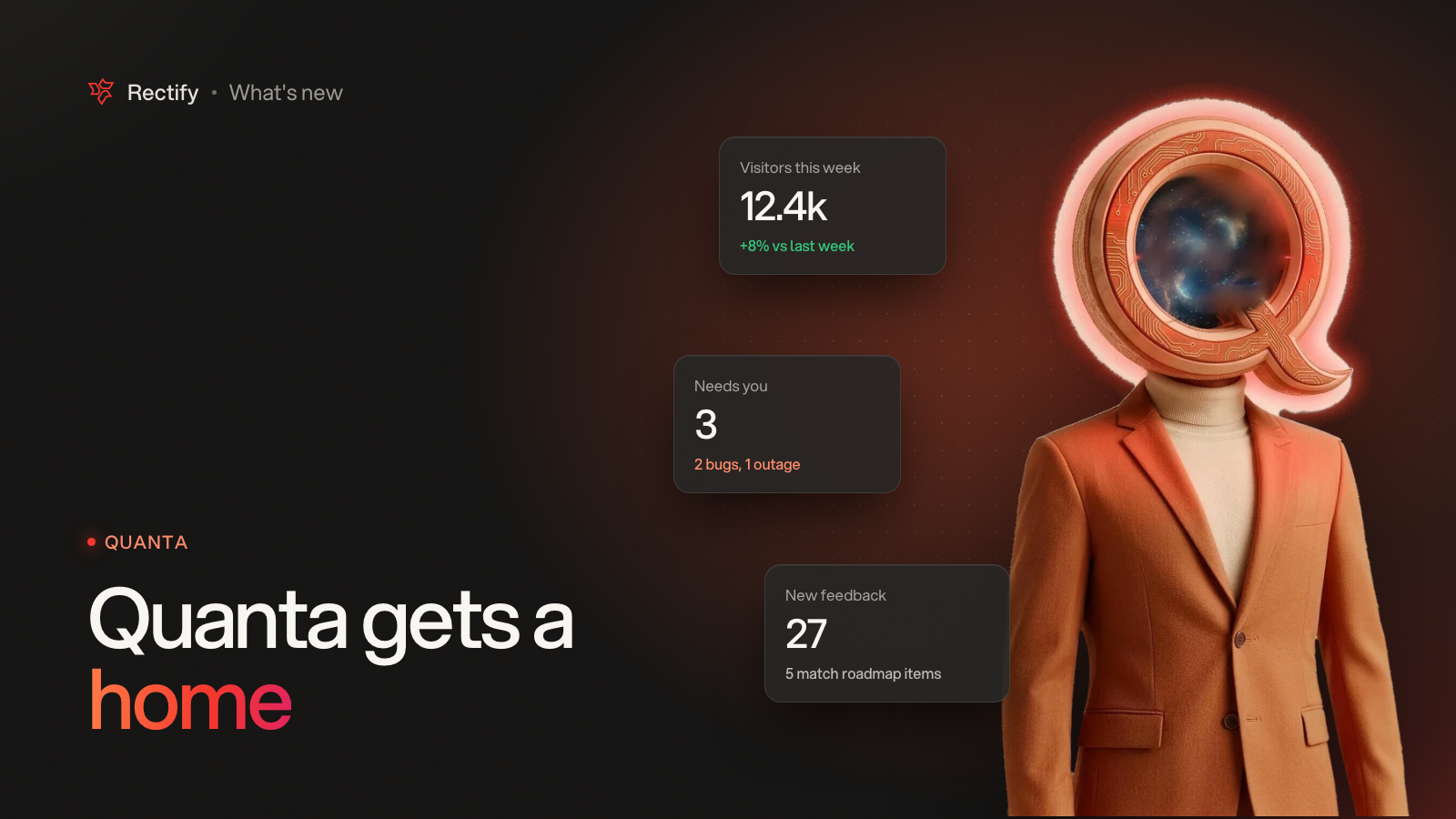
Quanta gets a home of its own
KKawsar Hossain22 Oct 2026
Quanta, our AI teammate, now starts your day with a briefing and can do a lot more of the work for you.
A briefing, not a blank chat
•
Quanta opens on your project's key numbers, what needs your attention, and recent reports.
•
Each project has a report chat that the whole team can see, pinned at the top. Quanta posts there when something changes, as it happens.
•
Opening Quanta starts a fresh chat, and your history is one click away.
More it can see and do
•
New views for Help Center articles, companies, segments, goals, alerts, heatmaps, popups, webhooks and surveys.
•
Action buttons on feedback, monitoring, roadmap, changelog, support and code scan views, so you can act without leaving the chat.
•
Quanta can create and manage surveys, popups, webhooks and email tests, start a code scan on the right branch, and schedule or unpublish a changelog. It always asks before it changes anything.
•
Quanta hears when a workflow or a code scan fails, so you do too.
•
When you ask Quanta about a bug report, choose whether it reads the session logs, the screenshots and the attachment.
Your own AI keys, with limits
•
Add your own AI provider keys and Quanta uses them before your Rectify credits.
•
Set a monthly spend limit per key. We email you at 80% and again at 100%, and Quanta stops using a key once it hits the limit.
•
Saved keys only ever show their last four characters.
Get updates like this by email
One email when something ships. Nothing in between.