
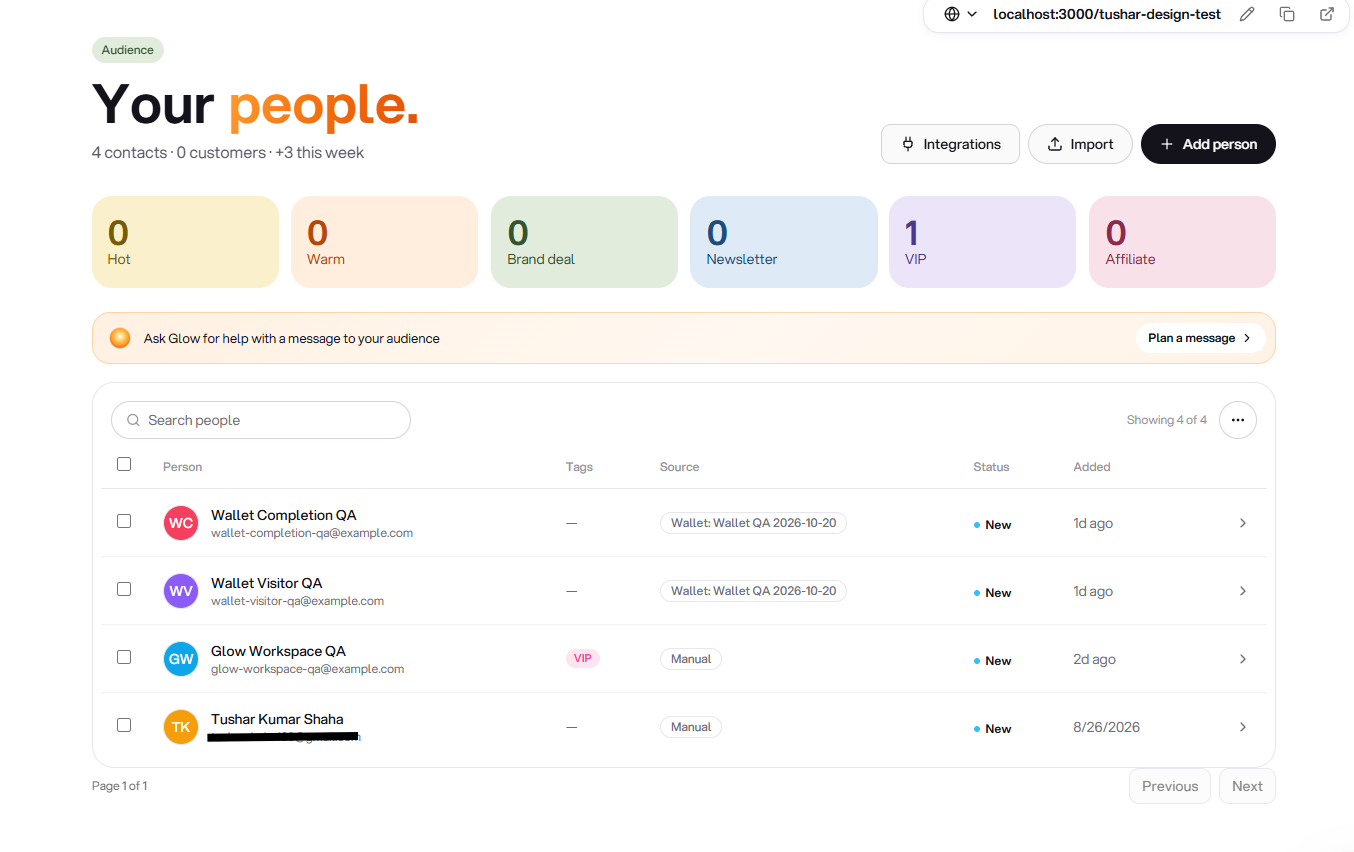
Audience: contacts, tags and follow-up notes
TTushar Kumar Shaha5 Oct 2026
When someone leaves their details through a supported Glee form, the follow-up should not depend on finding a notification later. Audience gives those contacts a place to live, with the information you need to decide what happens next.
Keep the conversation attached to the contact
Open a contact to review their details, update their status, add tags and keep notes. The list can be searched and filtered, making it easier to return to a group of enquiries instead of working through every record again.
•
Tags and status. Organise contacts around your own follow-up process.
•
Date and source context. Use available filters and recorded details to narrow the list.
•
Bring contacts in or out. Import supported contact files and export the selected audience view when needed.
Contact details are not blanket consent
Audience management and email subscription are separate concerns. Glee retains subscription and unsubscribe state for email workflows, so having someone's details does not automatically make every message appropriate to send.
Get updates like this by email
One email when something ships. Nothing in between.