
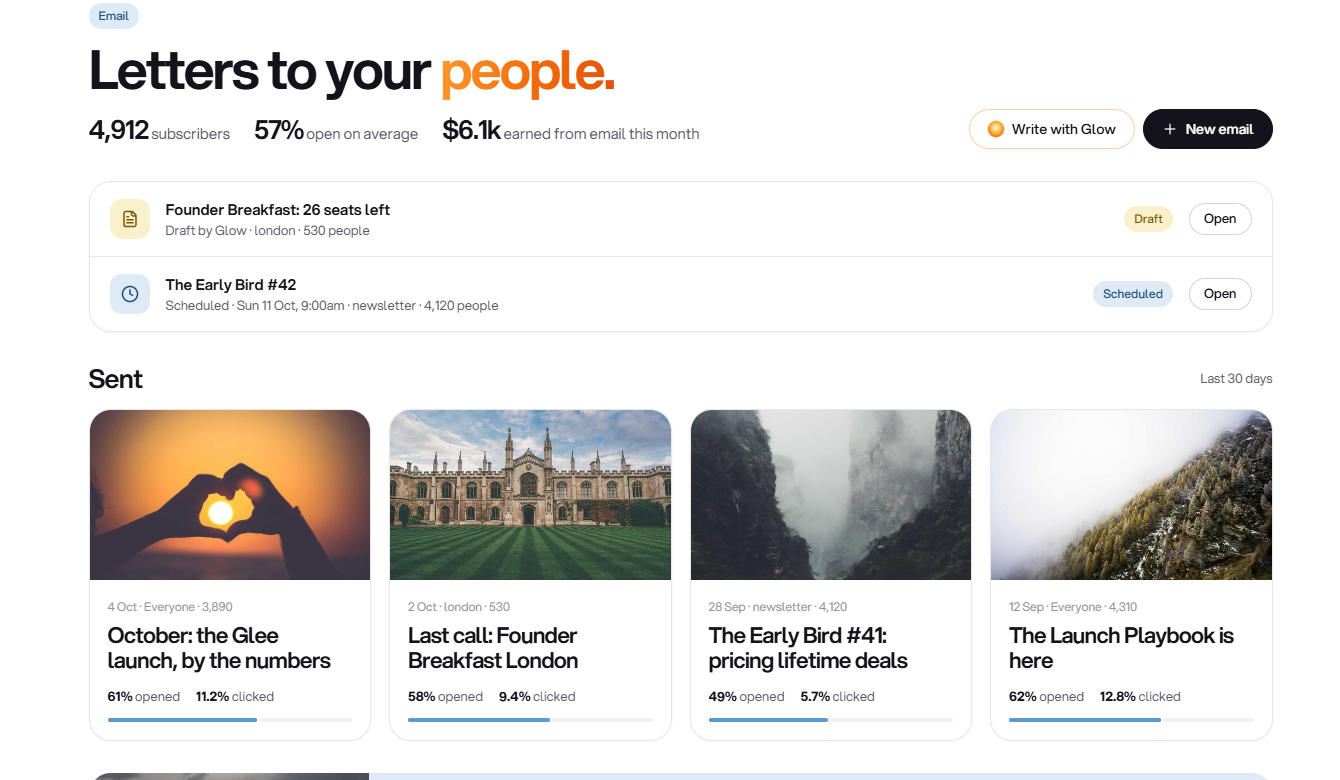
Email campaigns with audience selection and scheduling
TTushar Kumar Shaha10 Oct 2026
Email in Glee continues beyond the design canvas. Once a draft is ready, choose its audience and review the sending details before the message leaves your account.
Keep setup and sending separate
A verified sender must be connected before sending is available. The email settings area holds the supported provider and sender configuration, while each draft keeps its own subject, content and recipient selection.
•
Choose the audience. Use the supported recipient and tag options to define who the email is for.
•
Review the final action. Check the recipient scope and message before confirming a send or schedule.
•
Send later. Pick a supported date, time and time zone; cancel a pending schedule before sending begins if you need to edit.
Respect subscription choices
Delivered messages use recipient-specific unsubscribe links rather than the editor's preview URL. The email report keeps available sending and engagement results with the message so you can review what happened after dispatch.
Get updates like this by email
One email when something ships. Nothing in between.