
Push Notifications and Email Preferences
KKawsar Hossain7 Jun 2026
We rewrote how notifications work from scratch. Here's what changed.
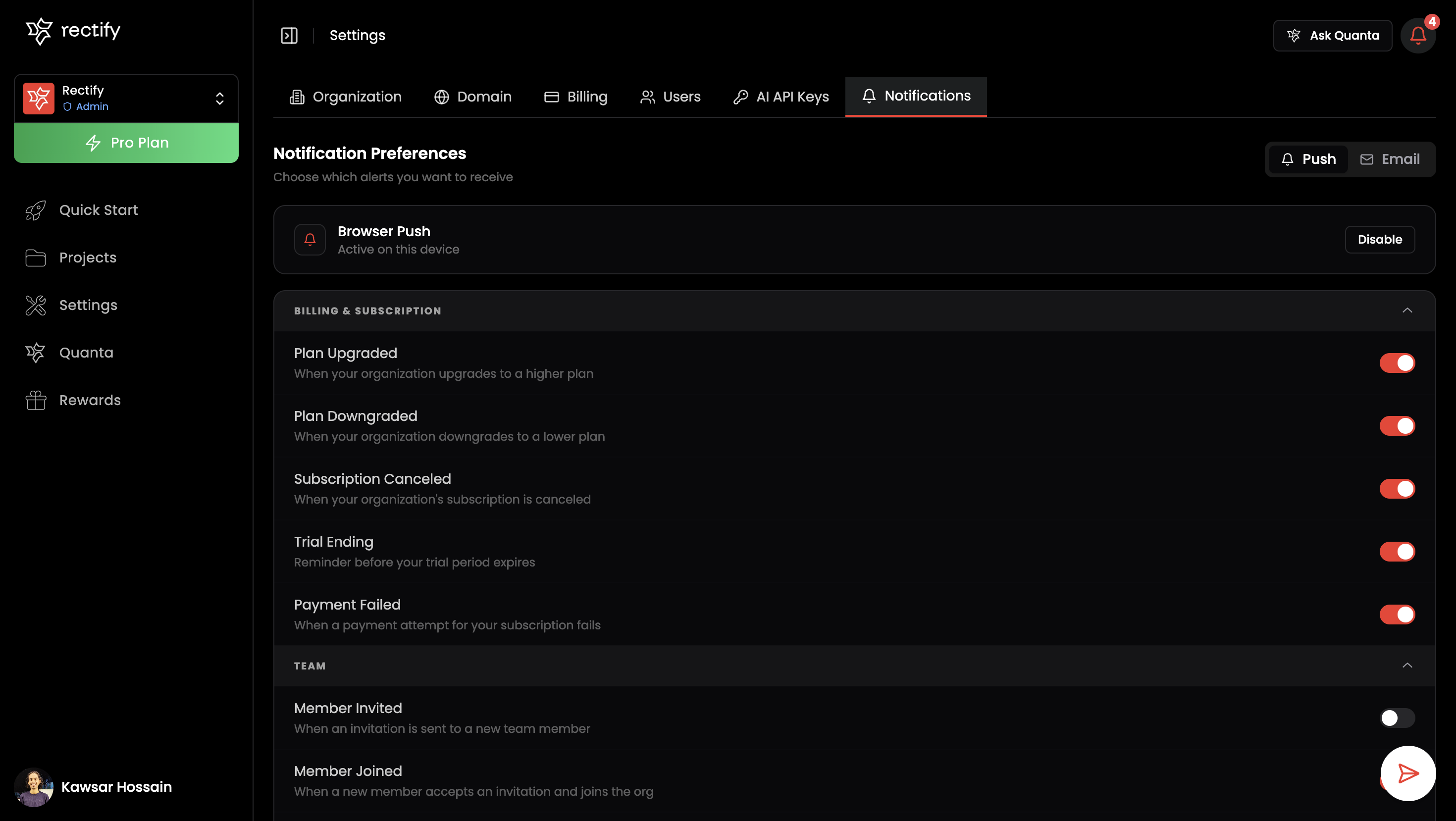
Notification preferences are now in one place
Previously scattered across project settings, push and email preferences now live together under Settings > Notifications. Everything is grouped by category, billing, team activity, feedback, support, monitoring, and more, so you can see at a glance what's on and what's off without digging around.
The notification bell actually works now
The bell in the top bar now shows notifications as they come in, in real time. No more refreshing to see if anything happened. You can filter by read/unread, page through history, and mark everything read at once.
Push subscriptions follow you across orgs
If you switch to a different organization or create a new one, your push subscription carries over automatically. If you've already granted browser permission, it happens silently. Previously, switching org meant you'd stop getting notifications until you manually re-subscribed.
Billing emails
You'll now get emails for subscription changes: upgrades, downgrades, cancellations, trial expiry, and failed payments. Each one can be turned off individually in your preferences if you don't want them.
Mention notifications in support
When someone @mentions you in a support conversation, it now sends a push to you specifically. It shows up as its own preference ("Mentioned in Conversation") so you can control it separately from general inbox notifications.
Feature request push notifications
Submitting a feature request now reliably notifies the right people. There was a bug where members who joined before certain notification types existed would silently miss them. That's fixed.
Roadmap notification links
Notifications for card assignments, comments, and upvotes were pointing to a URL that doesn't exist. Fixed to go to the right page.
Removed
The per-project push notification history page is gone. That history is now in the notification bell at the top, which is where you'd look anyway.
Get updates like this by email
One email when something ships. Nothing in between.