
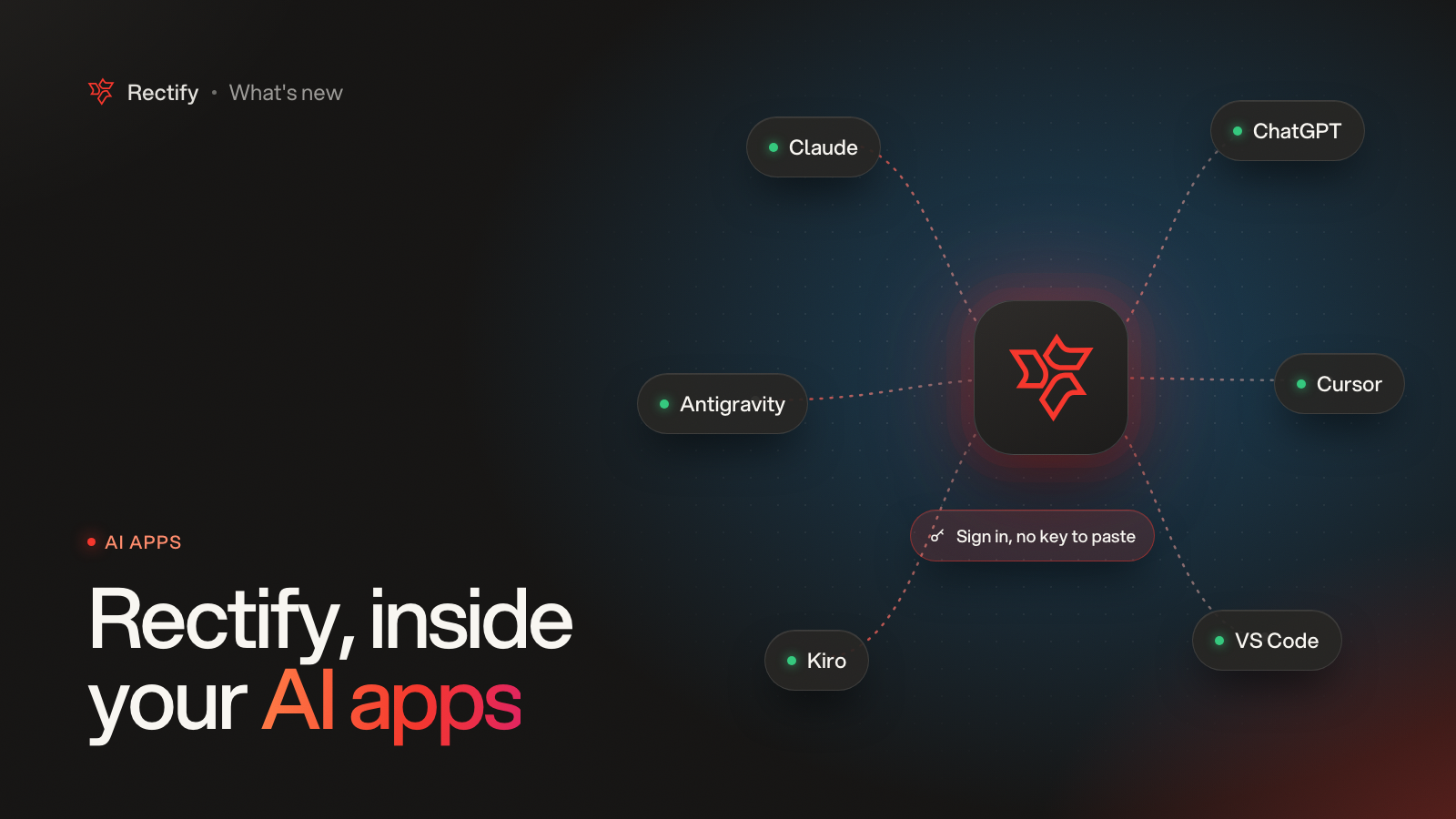
Use Rectify from Claude, Cursor and VS Code
KKawsar Hossain23 Oct 2026
Rectify now plugs into the AI apps you already use. Ask Claude about this week's feedback, or let Cursor read the bug report it is fixing.
Connect without copying keys
•
Add Rectify to Claude, ChatGPT or Claude Desktop, then sign in to Rectify in your browser. That's it, no key to paste.
•
One click adds Rectify to Cursor, VS Code or Kiro. Antigravity has a ready-made config to copy.
•
Every app you connect shows under Connected apps, and you can disconnect any of them. Signing out everywhere disconnects them too.
More you can do from your AI app
The Rectify connection now reaches contacts, companies, segments, surveys, the review queue, email tests, popups and webhooks, on top of feedback, roadmap, changelog, analytics, monitoring, Help Center and workflows.
Prefer keys? They still work. Each key is shown once, you can keep up to three, and only you or an admin can manage them.
Get updates like this by email
One email when something ships. Nothing in between.