
Get contacts in: identify, the Contacts API and forms
Put names on your visitors from your site, send people and companies from your server, and let forms and portal sign-ins identify people for you.
userInfo to the Rectify snippet on pages where someone is signed in. Use your own user ID, which never changes, and their email and name:<script type="text/javascript">
(function (w, d, s, o) {
var js = d.createElement(s);
js.src = o.widgetSrc;
js.async = true;
js.onload = function () {
if (typeof w.Rectify === 'function') {
w.RectifyInstance = new w.Rectify();
w.RectifyInstance.init(o.projectId, o.userInfo, o.config);
}
};
d.head.appendChild(js);
}(window, document, 'script', {
widgetSrc: 'https://api.rectify.so/widget/widget.umd.js',
projectId: 'YOUR_PROJECT_ID',
userInfo: { userId: 'usr_1001', email: '[email protected]', name: 'Jordan Lee' },
}));
</script>identify once the page has loaded, for example after sign-in:window.RectifyInstance?.identify('usr_1001', {
email: '[email protected]',
name: 'Jordan Lee',
plan: 'business',
mrr: 1200,
company: {
id: 'acct_northwind',
name: 'Northwind Labs',
domain: 'northwind.com',
plan: 'business',
mrr: 1200,
seats: 40,
},
});company puts the person in a company on the Companies tab. id matters most: people with the same company ID are grouped together. Send status: 'trialing' for a trial, or status: 'canceled' for a company that left.plan (anything but free) or mrr marks the contact as a Customer.identify after the page has loaded, not in the same moment as the snippet. A call made before Rectify is ready is skipped. The ?. keeps your page safe if the script hasn't loaded at all.localhost while you test. If the project has no website set, any site counts.init('YOUR_PROJECT_ID') to init('YOUR_PROJECT_ID', { userId: ..., email: ..., name: ... }) to pass the same userInfo.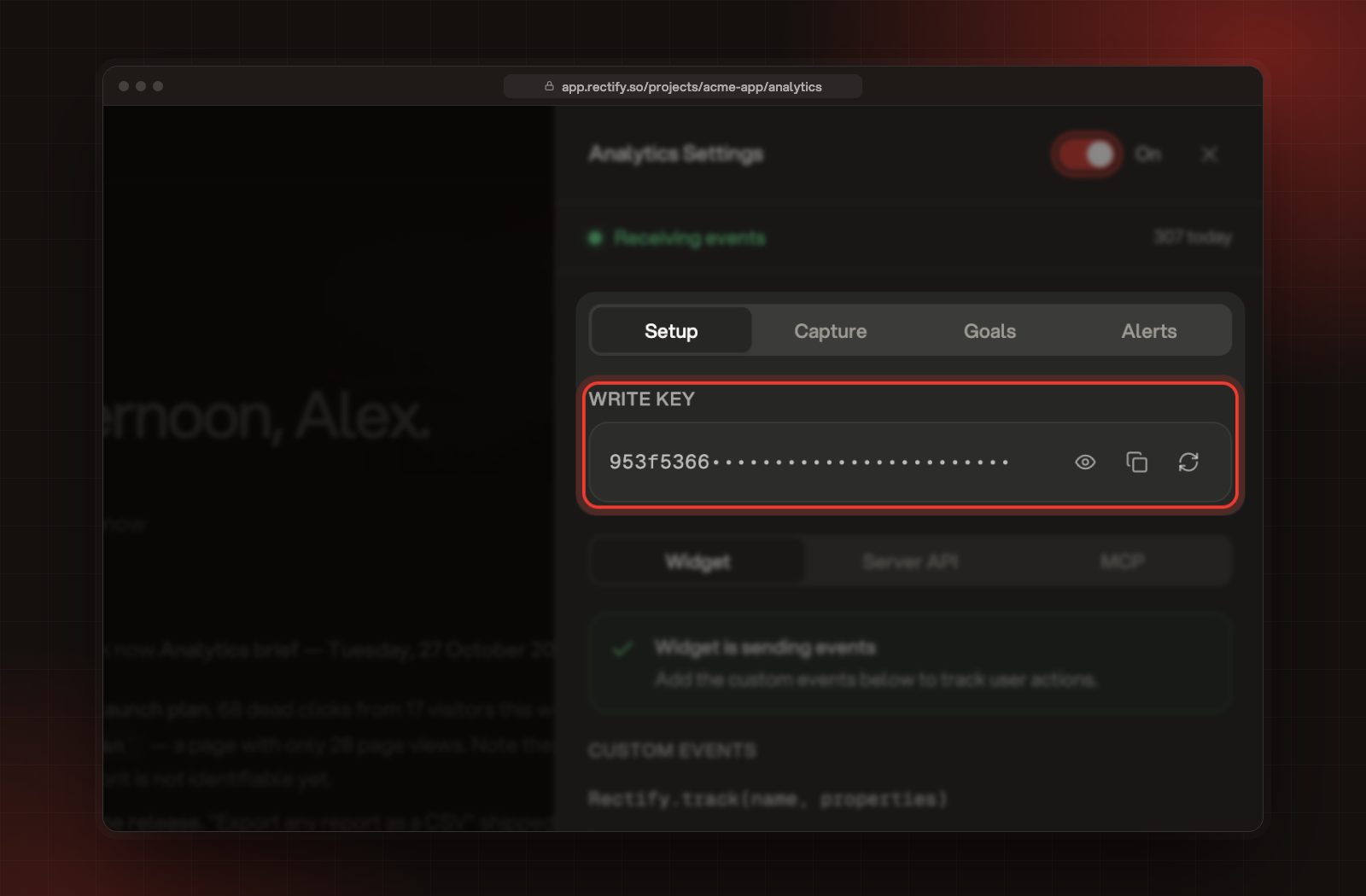
curl -X POST https://api.rectify.so/v1/contacts/identify \
  -H "Authorization: Bearer YOUR_WRITE_KEY" \
  -H "Content-Type: application/json" \
  -d '{
    "userId": "usr_1001",
    "email": "[email protected]",
    "name": "Jordan Lee",
    "company": { "id": "acct_northwind", "name": "Northwind Labs", "plan": "business", "mrr": 1200, "seats": 40 },
    "attributes": { "plan": "business", "role": "admin" }
}'userId, email or both. Rectify finds the contact by user ID first, then by email, and creates one if neither matches.attributes. Other top-level keys are ignored.company replaces the company you sent before, so send all its fields each time.{ "contacts": [ ... ] } to https://api.rectify.so/v1/contacts/bulk, with up to 500 people per request. The API accepts up to 120 requests a minute.The person still shows as Anonymous
identify runs after the page has loaded and that you're testing on your project's website address or localhost. Then visit a page and wait a minute.The API says "Analytics write key required" or "Invalid analytics write key"
Authorization: Bearer YOUR_WRITE_KEY. If someone regenerated the key, copy the new one from Write Key.The API says "Analytics is disabled for this project"
The API says "userId or email is required"
userId, an email or both.Was this helpful?
Your feedback shapes what we write next.
Related articles
Identify users and send events
Turn anonymous visitors into named contacts, attach their plan and company, and record the actions and payments that matter in your product.
Find people and accounts in Contacts
How visitors become contacts, how companies are grouped, and how to search, filter and tidy up the list.
Widget JavaScript API reference
Every method on the Rectify widget, with what it takes and a working example, from init and control to track, identify and revenue.
Contacts API
Create and update contacts from your server, backfill up to 500 at a time, and attach your own records such as subscriptions or orders.