What each role can do, and how to change someone's role or the projects they can open.
2 min readUpdated 24 days ago
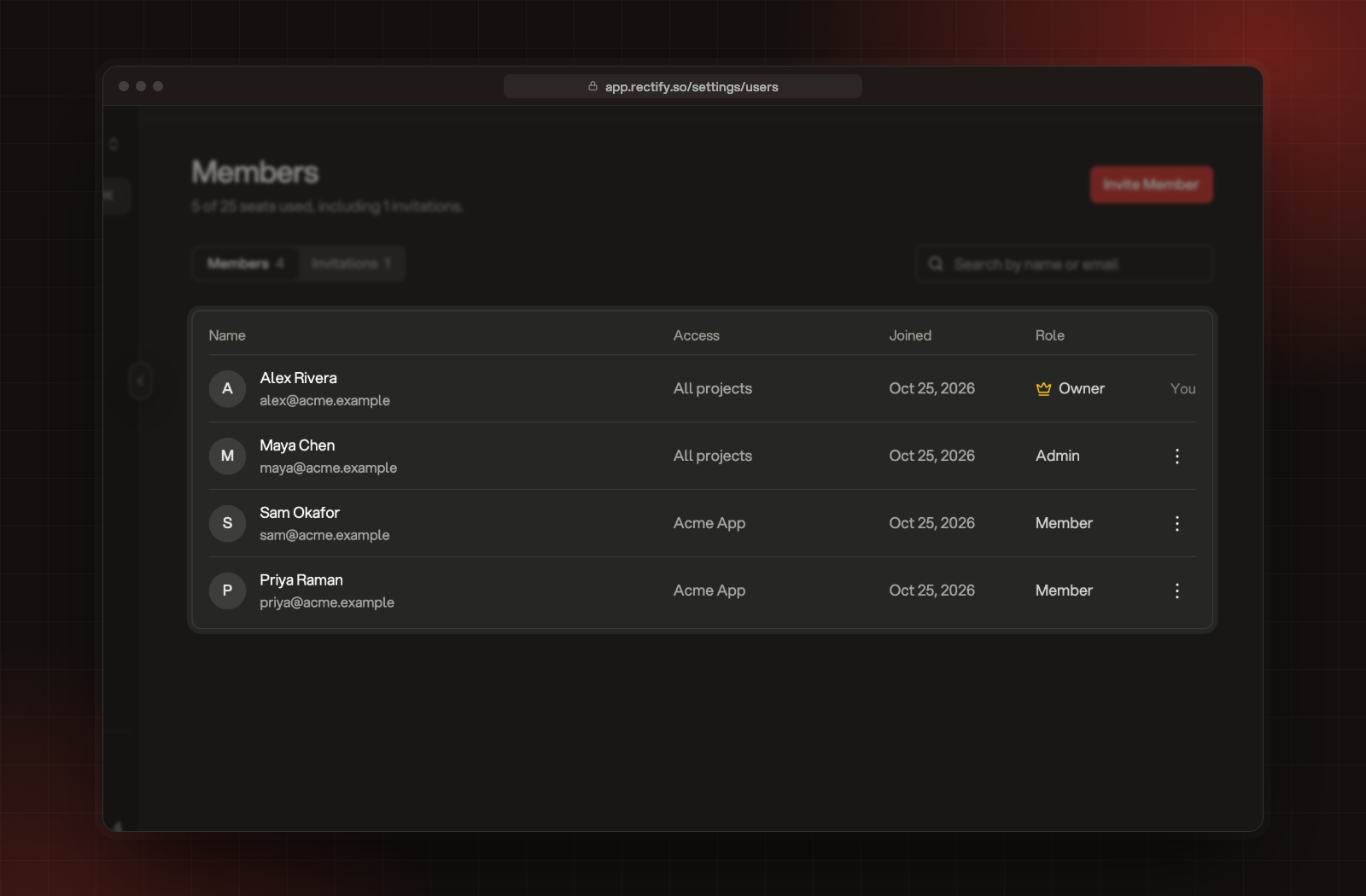
Everyone in an organization has one of three roles. You can see each person's role and the projects they can open under Organization settings, Members.
Each person's role and project access on the Members page.
Role
What they can do
Owner
Everything. The Owner is the person who created the organization. There is one Owner, and the Owner can't be changed or removed.
Admin
Everything in every project, plus organization settings, members, invitations and billing. Only the Owner can delete a project.
Member
Works in the projects they're given: feedback, roadmap, changelog, help center, widget, monitoring and more. They can view organization settings but can't change them, and can't invite people.
A few settings belong to the Owner alone, such as Quanta's project settings and redeeming a license.
Change someone's role or projects
Before you start. Only Owners and Admins can change roles.
1.
Open Organization settings, then Members.
2.
Open the menu on the person's row and select Edit Member.
3.
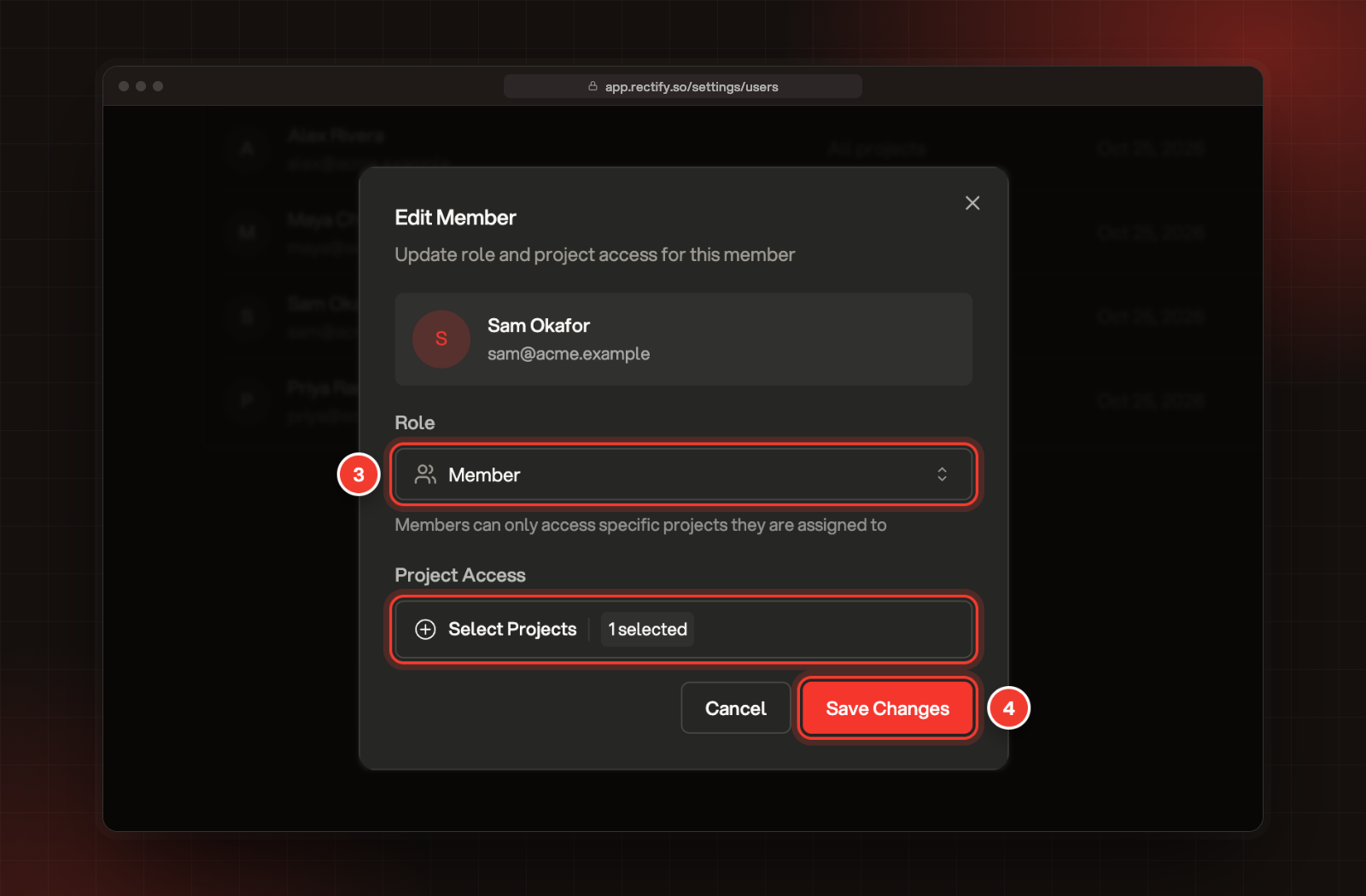
Change their Role, or the projects under Project Access.
4.
Select Save Changes.
3 Role and Project Access. 4 Save Changes.
Making someone an Admin gives them every project. A Member needs at least one project.
Remove someone
1.
Open the menu on their row and select Remove.
2.
Confirm with Remove.
Removing someone can't be undone. To bring them back, invite them again.
Can I change who the Owner is?
No. The Owner role stays with the person who created the organization, and it can't be given to someone else.