
Identify users and send events
Turn anonymous visitors into named contacts, attach their plan and company, and record the actions and payments that matter in your product.
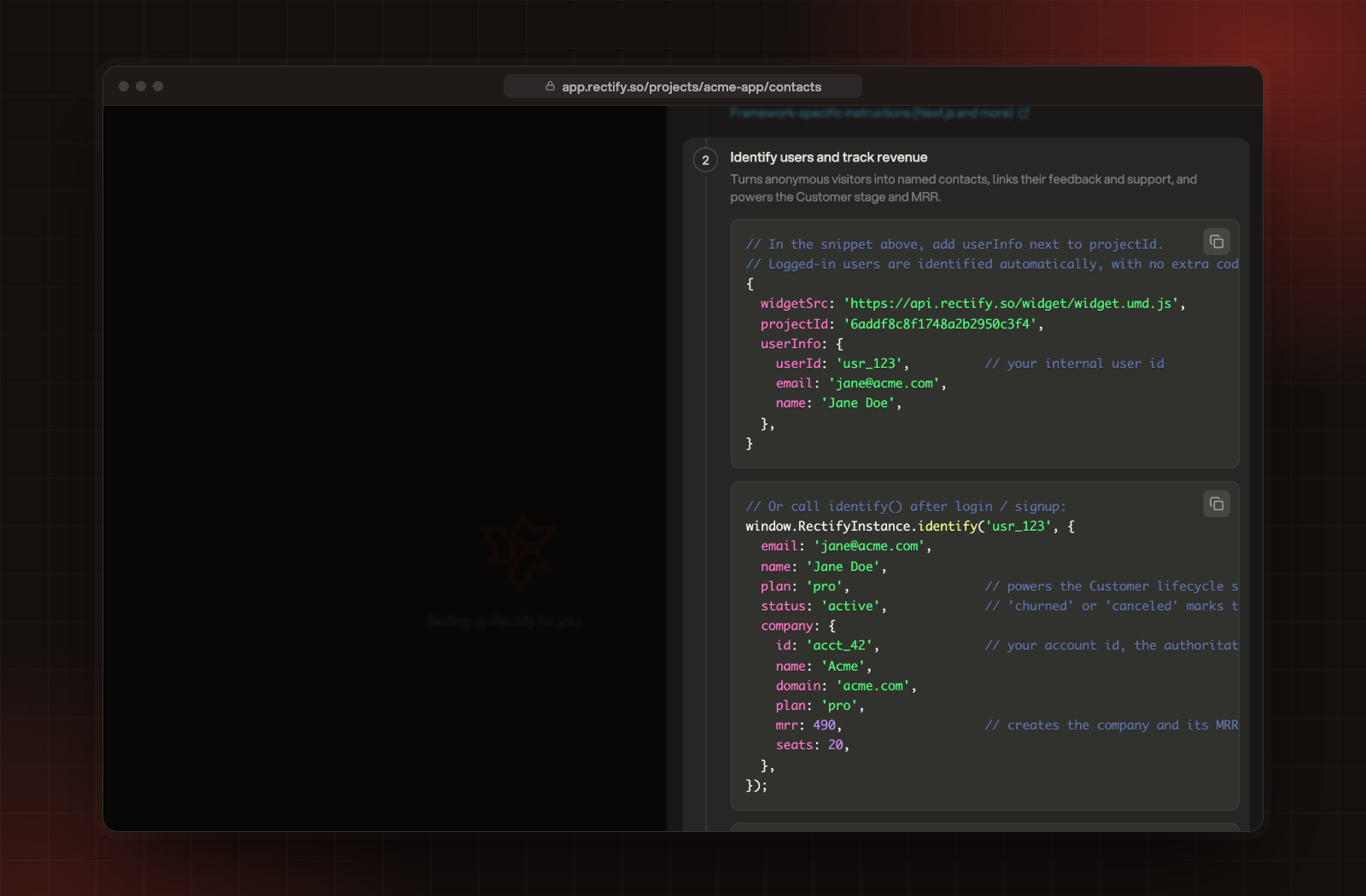
userInfo to the object at the end of your Rectify script when someone is signed in. Rectify identifies them on every page load.userInfo: {
userId: 'user_123',
email: '[email protected]',
name: 'Jane Doe',
},identify() once your app knows who the user is, for example after sign-in or sign-up, or in your root layout when a session exists.window.RectifyInstance?.identify(user.id, {
email: user.email,
name: user.name,
plan: 'pro',
});
plan doesn't erase the plan you sent before.plan, mrr and status from company when the contact has none of their own.company object to group people from the same account:window.RectifyInstance?.identify(user.id, {
email: user.email,
company: {
id: 'acct_42',
name: 'Acme',
domain: 'acme.com',
plan: 'pro',
mrr: 490,
seats: 20,
},
});company.id is your own account ID. It's the most reliable way to group people.company.domain, then by the domain of the person's work email. Personal email providers such as Gmail and Outlook are never grouped.mrr, seats and plan show on the company under Customers, Contacts, Companies.window.RectifyInstance?.track('project_created', { template: 'blank' });window.RectifyInstance?.revenue(49, 'USD', { plan: 'pro' });USD. Revenue goals and the Revenue alert use these payments.<div class="rectify-no-capture">Nothing in here produces an event.</div>
<div data-rectify-mask>Events still fire, but text and values are dropped.</div>
<input name="coupon" data-rectify-capture-value />data-rectify-capture-value opts a single field's value in. It never works for card numbers, security codes and similar fields.The contact never gets a name or email
identify() and userInfo count only on that domain, its subdomains and localhost. Check that your project's website address matches your live site.Nothing arrives at all
optOut() sends nothing until optIn() runs.Two people share one computer
identify() with their details. Rectify gives them their own contact instead of overwriting the first one.Was this helpful?
Your feedback shapes what we write next.
Related articles
Widget JavaScript API reference
Every method on the Rectify widget, with what it takes and a working example, from init and control to track, identify and revenue.
Sign in verified users
Tell the widget who is signed in to your site, and sign them in to the Roadmap, Changelog and Help tabs with a signature from your server.
Use the Automation page
Score your leads, post contact activity to Slack and send events to your own systems with signed webhooks.
Set up your first project with the setup wizard
Five short steps to brand your project, switch on what you need, bring in your team and add Rectify to your site.