Every event the Rectify script records without any code from you, and how to switch each kind on or off.
4 min readUpdated 5 days ago
Before you start. Analytics uses the same Rectify script as the widget. If the widget is on your site, events are already coming in. Viewing the Analytics page needs the Build plan or higher. Only Owners and Admins can change what gets captured.
Once the script is on a page, it records how people use it: pages, clicks, signs of frustration and errors. You don't write any tracking code for this. The same events power Analytics, Activity, Heatmaps and each contact's profile.
What the script records
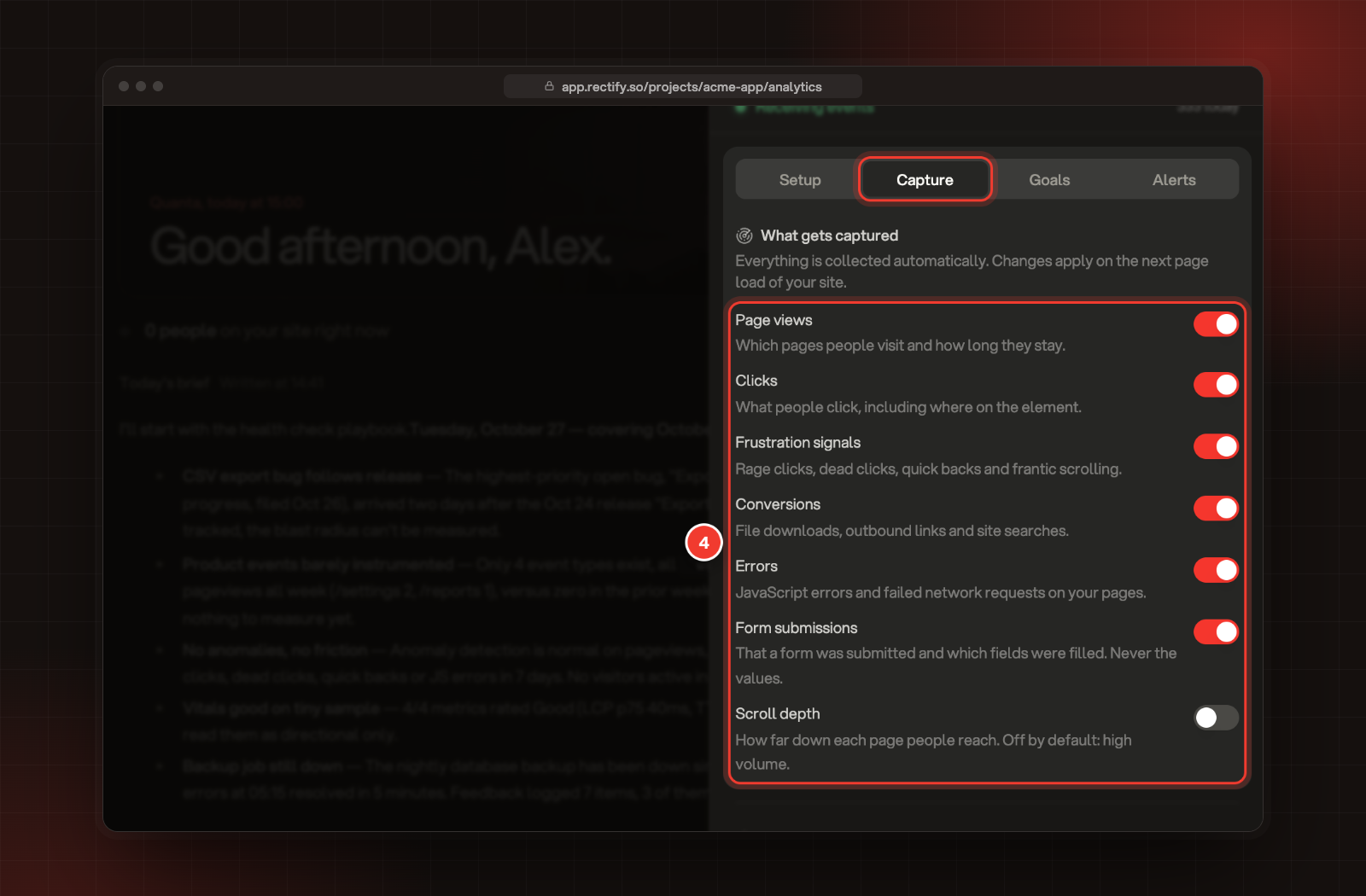
Each row is a switch on the Capture tab. All of them start on except Scroll depth.
Switch
What it records
Page views
Every page someone opens, including page changes in single-page apps, and how far down they scrolled before leaving.
Clicks
What people click and where on the element they clicked.
Frustration signals
Rage clicks (three or more clicks on the same element within a second), dead clicks (a click that changes nothing), quick backs (leaving a page within 10 seconds and returning to the one before) and frantic scrolling.
Conversions
File downloads, links to other sites and searches on your site (from a q, s, search or similar parameter in the address).
Errors
JavaScript errors and failed network requests on your pages.
Form submissions
That a form was sent, and which fields were filled in. Not what was typed.
Scroll depth
A scroll event each time someone stops scrolling. Off by default because it's high volume.
Two more kinds are always recorded and have no switch:
•
Page speed: loading and responsiveness timings for each page (LCP, FCP, CLS, TTFB and INP).
•
Element views: when an element you've marked with the class rectify-track-view (or the attribute data-rectify-track-view) comes into view, once per page.
What comes with every event
•
The page address and title, and the site the visitor came from.
•
Time on the page.
•
Browser, operating system, language and device type. Device type comes from the width of the window: up to 480 pixels is mobile, up to 1024 is tablet, wider is desktop.
•
Country and city, looked up from the visitor's IP address. The IP address itself isn't stored.
•
Campaign tags (utm_source, utm_medium, utm_campaign, utm_term, utm_content) when they're in the page address.
Each browser tab counts as one session. A visitor keeps the same ID across visits on the same browser, and becomes a named contact when you identify them.
Change what gets captured
1.
Open Analytics in the sidebar, under Customers.
2.
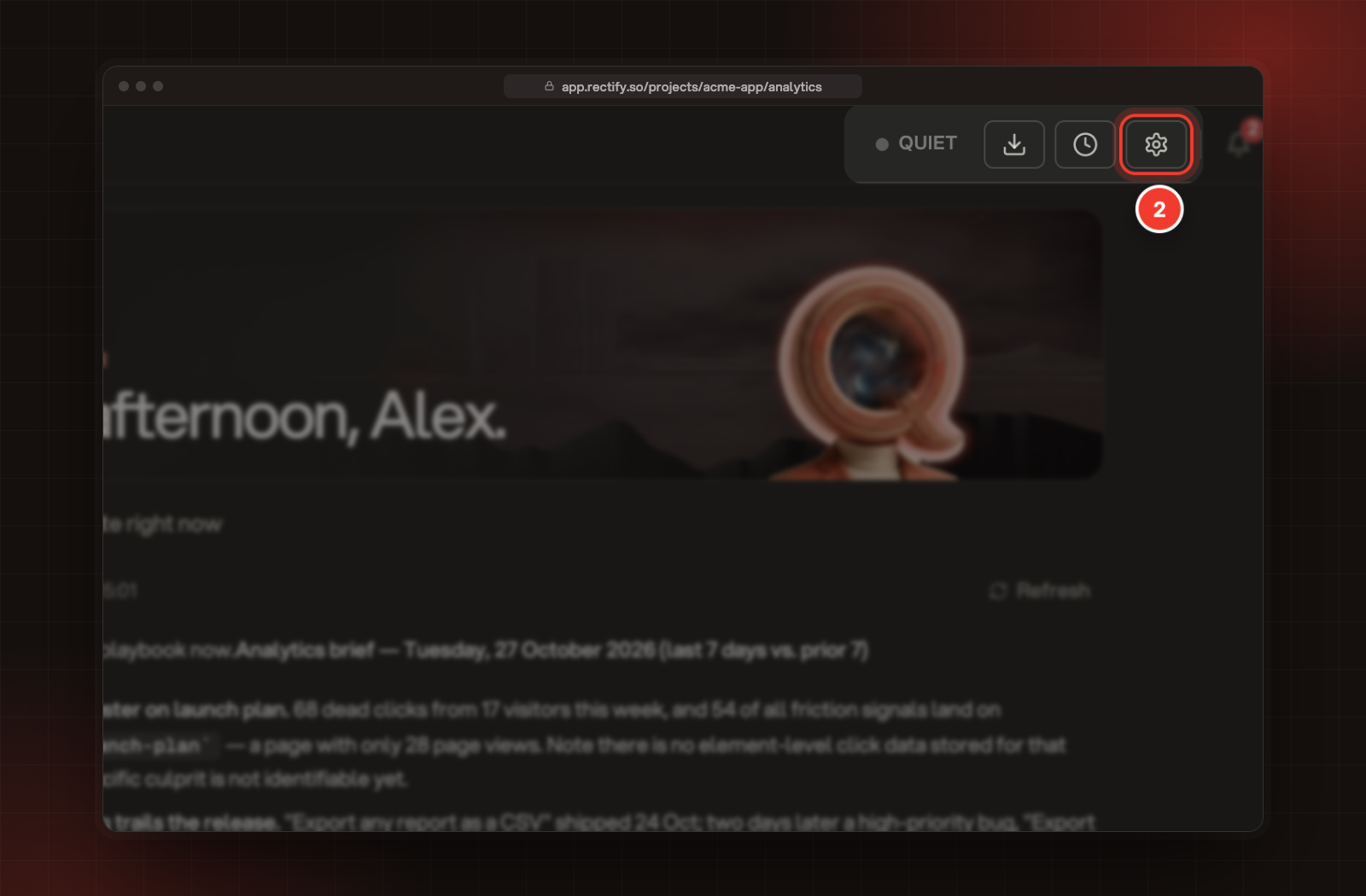
Select the gear button at the top of the page (Settings).
2 The Settings button on the Analytics page.
3.
Select the Capture tab.
4.
Switch each kind of event on or off under What gets captured.
4 The switches under What gets captured.
Each switch saves as soon as you change it. Your site picks up the change the next time a page loads.
Add your own events
The automatic events cover how people move around. For actions that matter to your business, send your own from your page's code once the script has loaded:
Each project can record your plan's monthly number of events: 500,000 on Build, 2 million on Launch, 10 million on Accelerate and no limit on Enterprise. The count resets on the first day of each month (UTC). Once a project reaches it, new events are turned away until the next month.
Check it's working
Open Activity in the sidebar and visit your site in another tab. Your visit appears within a minute. On the Analytics page, the top of Settings reads Receiving events while events are coming in, with the number that arrived in the last day.
Nothing arrives from my site
Check the script is on the page, and that the switch at the top of Settings reads On. Visitors whose browser sends Do Not Track aren't recorded while Respect Do Not Track is on. If your project used up its monthly events, nothing new is recorded until next month.
Events I send from my server don't show up
Rectify ignores traffic from bots and automated tools, and that includes many server-side HTTP clients. Requests sent with your project's write key are never filtered this way, so send server events with it, as Send server events shows.
Scroll maps work although Scroll depth is off
Scroll maps use the scroll depth recorded when someone leaves a page, which comes with Page views. The Scroll depth switch only adds the extra scroll events.