
Send server events
Record signups, payments and other events from your backend, and see them on the right contact next to what they did in the browser.
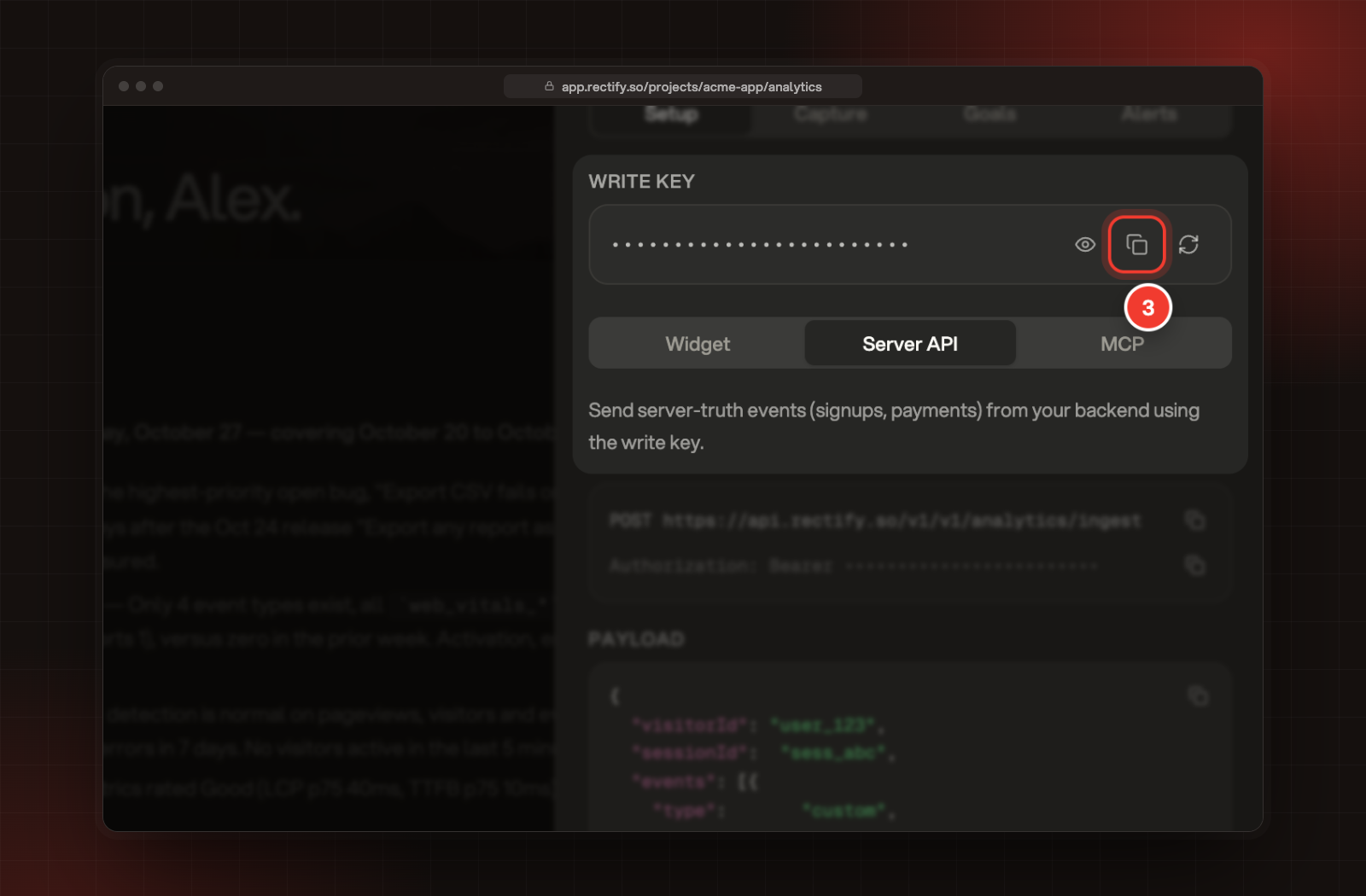
RECTIFY_WRITE_KEY.POST https://api.rectify.so/v1/analytics/ingestuserId on each event so it lands on the right contact. For visitorId, use the contact's visitorId. The Contacts API returns it when you identify the person, and identifying first also makes sure the contact exists.curl -X POST https://api.rectify.so/v1/analytics/ingest \
-H "Authorization: Bearer $RECTIFY_WRITE_KEY" \
-H "Content-Type: application/json" \
-d '{
"visitorId": "srv_6f1c2a90-3b1e-4d0a-9a51-2f7c8e4b1d33",
"sessionId": "billing-server",
"events": [{
"type": "custom",
"name": "plan_upgraded",
"userId": "user_123",
"timestamp": 1793091600000,
"properties": { "from": "free", "to": "pro" }
}]
}'{ "ok": true, "accepted": 1 }accepted is the number of events stored.sessionId per job or process, such as billing-server. A new visitorId that Rectify hasn't seen before creates a new anonymous contact, which is why the contact's own visitorId works best.revenue and put the amount, as a number, in properties.amount. The currency defaults to USD.{
"type": "custom",
"name": "revenue",
"userId": "user_123",
"timestamp": 1793091600000,
"properties": { "amount": 49, "currency": "USD", "plan": "pro" }
}revenue() in the browser.userId on an event shows it on the contact with that user ID, next to their browser activity.POST /v1/contacts/identify from the Contacts API for that.identify events sent here from a server are stored, but they don't update the contact when your project has a website address. Rectify only takes identity from your own site.The event doesn't show on the contact
userId matches the user ID on the contact exactly. If the contact has no user ID, identify it first with the Contacts API.I see new anonymous contacts after sending events
visitorId creates a visitor. Use the visitorId the Contacts API returns for the person instead of making one up.Was this helpful?
Your feedback shapes what we write next.
Related articles
Contacts API
Create and update contacts from your server, backfill up to 500 at a time, and attach your own records such as subscriptions or orders.
Identify users and send events
Turn anonymous visitors into named contacts, attach their plan and company, and record the actions and payments that matter in your product.
See what analytics captures on its own
Every event the Rectify script records without any code from you, and how to switch each kind on or off.
Get contacts in: identify, the Contacts API and forms
Put names on your visitors from your site, send people and companies from your server, and let forms and portal sign-ins identify people for you.