
Run the local MCP package
Give your AI editor offline tools that map your codebase, with the @rectify-so/mcp package, and optionally read-only Rectify data.
@rectify-so/mcp, runs on your computer next to your editor. It indexes your repository so your AI assistant can see how files and functions connect, what a change would affect and which tests cover it. Your code stays on your machine and is never sent to Rectify.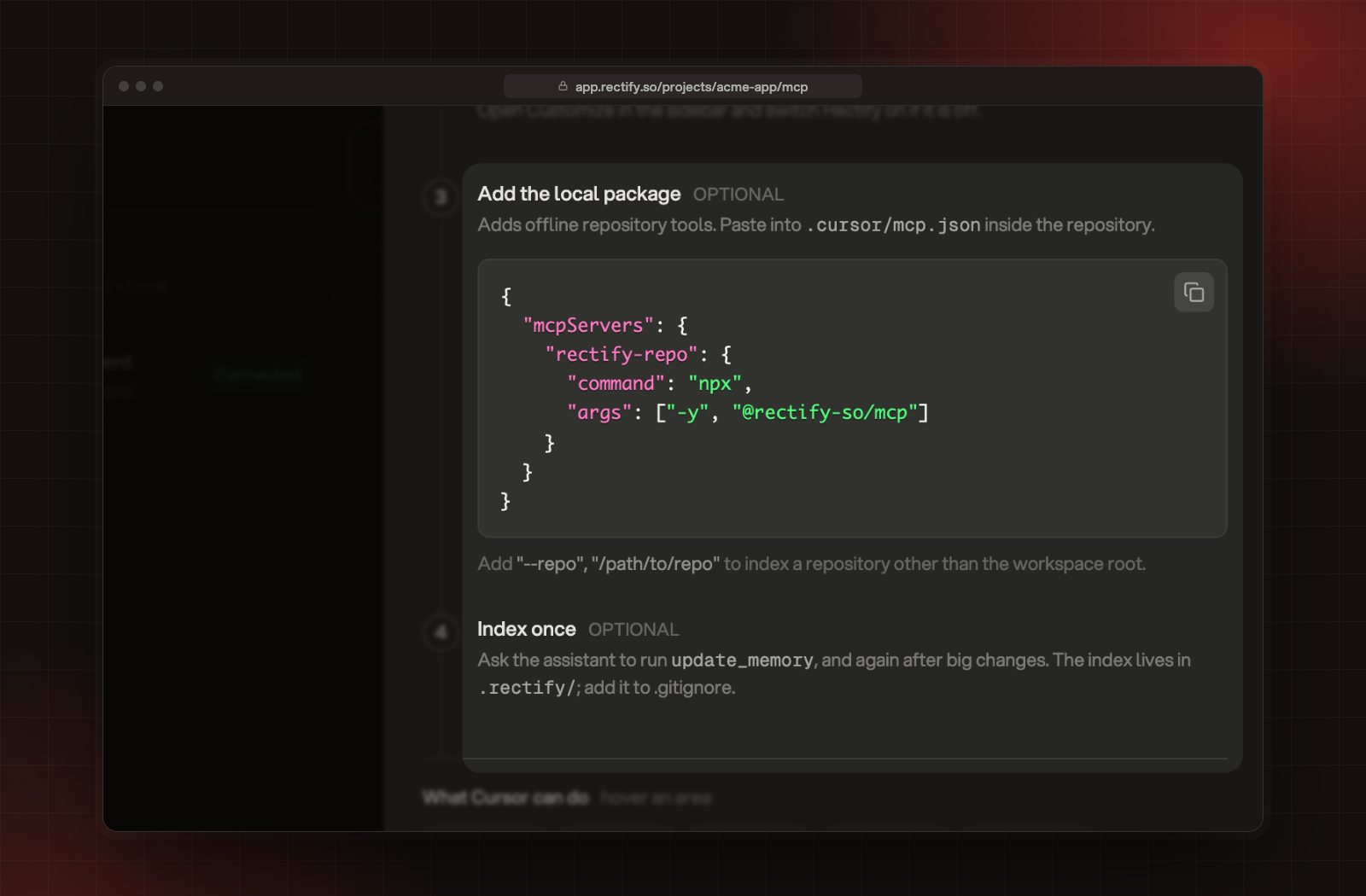
.cursor/mcp.json inside your repository:{
"mcpServers": {
"rectify-repo": {
"command": "npx",
"args": ["-y", "@rectify-so/mcp"]
}
}
}claude mcp add rectify-repo -- npx -y @rectify-so/mcp.vscode/mcp.json inside your repository:{
"servers": {
"rectify-repo": {
"type": "stdio",
"command": "npx",
"args": ["-y", "@rectify-so/mcp"]
}
}
}--repo and an absolute path:{
"mcpServers": {
"rectify-repo": {
"command": "npx",
"args": ["-y", "@rectify-so/mcp", "--repo", "/absolute/path/to/your/repo"]
}
}
}~/Library/Application Support/Claude/claude_desktop_config.json on a Mac, or %APPDATA%\Claude\claude_desktop_config.json on Windows. Restart Claude Desktop after you save it. For Windsurf, it's ~/.codeium/windsurf/mcp_config.json..rectify/ to your .gitignore. The index lives there.update_memory..rectify/repo-graph.json in your repository.update_memory writes anything, and only to the index file..ts, .tsx, .js, .jsx, .mjs, .cjs, .mts, .cts) and Python (.py, .pyi)..git, node_modules, dist, build, out, coverage, .next, .turbo, .cache, .venv, venv, __pycache__ and .rectify..d.ts files, files over 1.5 MB, and symbolic links..gitignore at the root of your repository..rectifyignore file at the root, written the same way as .gitignore../ or ../ are linked. Path aliases and package imports aren't.--token and the key, exactly as you copied it, to the arguments.{
"mcpServers": {
"rectify": {
"command": "npx",
"args": ["-y", "@rectify-so/mcp", "--token", "mcp_xxx:your_user_id"]
}
}
}mcp_xxx:your_user_id, which is how Copy your key gives it to you. This config file now holds your key, so keep it out of git.rectify-feedback-session-url-analyze, which analyses the recorded session of a feedback report. It can also read:.gitignore.repository_overview. After indexing, it lists your languages and main modules. To check the tools, list them from your editor: you'll see 7 tools, or 8 with a key.The tools return "Repository not indexed yet"
update_memory first. Check that --repo points at the right folder, or that your editor starts the package inside the repository."Invalid token format. Expected format: mcp_xxx:userId"
The key doesn't work, but the repository tools do
api.rectify.so.My editor doesn't connect
node --version shows 18 or newer.Was this helpful?
Your feedback shapes what we write next.
Related articles
Connect an AI app to Rectify over MCP
Let Claude, ChatGPT, Cursor, VS Code and other AI apps read and update your Rectify project through the hosted MCP server.
Manage MCP keys and connected apps
Create, rename, revoke and delete MCP keys, see which AI apps use them, and disconnect apps that signed in with your Rectify account.
Set up your first project with the setup wizard
Five short steps to brand your project, switch on what you need, bring in your team and add Rectify to your site.
AI credits and your own AI keys
How the Rectify credits on paid plans work, which AI providers you can connect on each plan, how to choose the provider for each feature, and where to see what's used.